








Tip #6 Stop Ignoring Windows Updates!
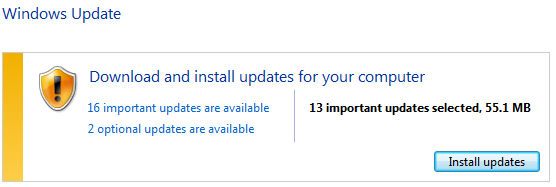
Every second Tuesday of each month Microsoft releases its latest security updates for Windows operating systems. These updates are designed to patch discovered security holes and exploitable weaknesses within your computer’s operating system. Despite the importance of these updates, I invariably ignore them because some part of me decides they consume too much time and effort to apply. Sound like you?
In reality, keeping your system up-to-date each month with Microsoft updates can be one of the easiest things you can do to keep your system secure, which means more peace of mind for you while surfing your favorite celebrity news site at work. Keeping up-to-date can also be done for you automatically, and at a time that doesn’t conflict with your work or leisure on the computer. By changing your Automatic Update setting to “Update and Install Automatically” and having this done during an off-hour, staying secure has never been easier! To find and configure the auto-update setting on your PC, follow these instructions for your applicable operating system.
• Windows 7/Vista – Go to Start Menu -> Control Panel -> Windows Update
• Windows XP – Go to Start Menu -> Control Panel -> Automatic Updates
Stay tuned next week for tip #7!